
Mobile Credential Setup in Century City, CA
Century City · ZIP 90067 · Westside · Access Control Systems
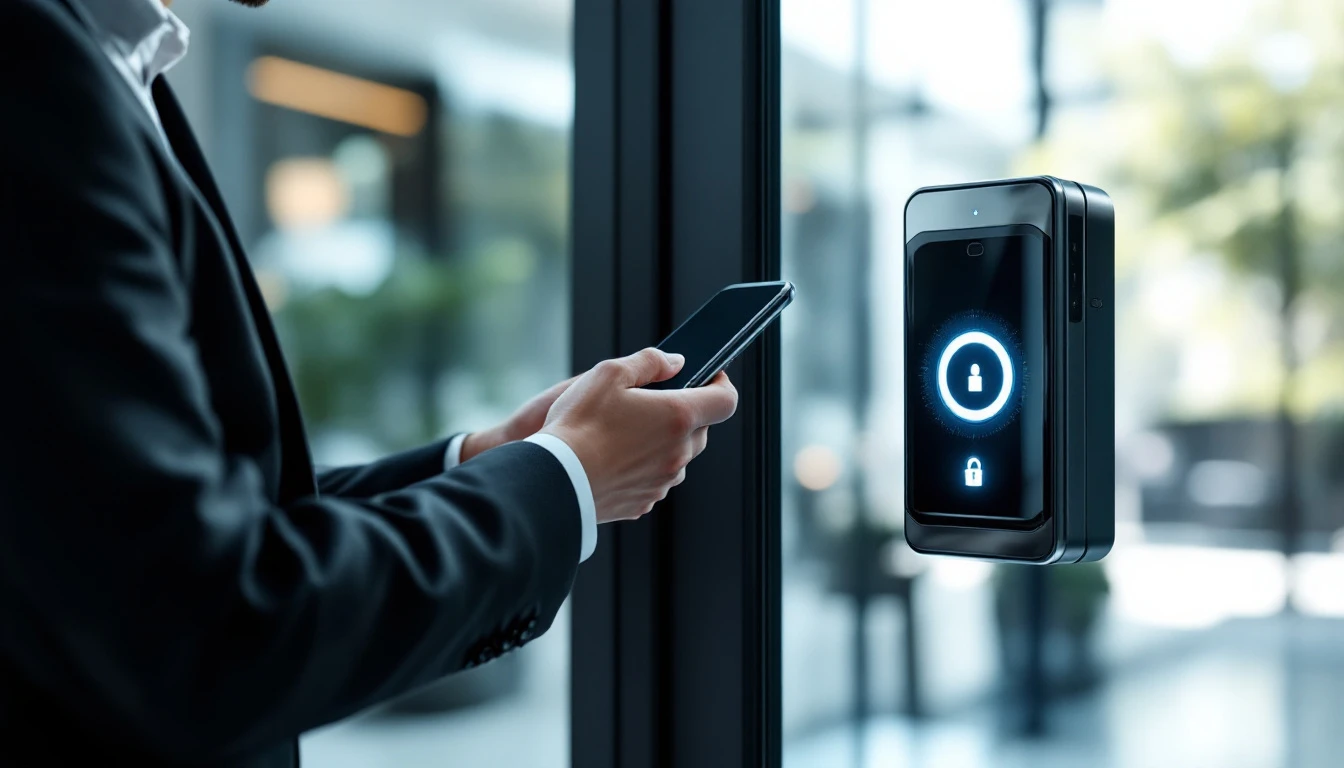
Los Angeles Access Control provides professional mobile credential setup to offices, buildings and homes in Century City. From survey to sign-off, our own technicians own the whole project — hardware and software alike.
Site surveys are free, you approve a written number before any work starts, and everything we install is backed by warranty. Call (888) 917-9811 — we're available Sunday–Thursday 6:30 AM–11:30 PM and Friday 6:30 AM–4 PM.
Serving Century City and the Westside
Dispatching Century City daily means our estimates reflect real local conditions. Buildings near Constellation Boulevard often mix decades of legacy wiring with newer tenant improvements, and we stock the adapters and hardware that make those retrofits clean. Being minutes off the Olympic Boulevard, same-day calls in 90067 are reached quickly.
Operators with locations in neighboring Cheviot Hills or Rancho Park often put their whole portfolio under a single service relationship — uniform hardware standards and consolidated billing throughout the Westside.
Comparing your options
Standalone systems fit small scopes: self-contained hardware with onboard programming. What you give up is central control — changes happen at the door, and there's little or no audit trail.
Server-based systems put every door on one brain: powerful and subscription-free, but someone has to own that server, its backups and its updates. They shine in facilities that already have IT staff.
Cloud systems have become our most-requested configuration: remote unlock, instant credential changes and automatic updates with no server to babysit. You pay a subscription, which typically costs less than the maintenance it eliminates.
Unsure which fits? The free site survey settles it — our recommendation is the least system that fully solves the problem, with reasoning you can hold us to. (888) 917-9811.
The security details that separate good installs from bad ones
A reader on the wall isn't security by itself. The details decide: is the lock's wiring exposed on the unsecured side? Does the door report when it's propped? Are credentials encrypted or clonable? does the system ride through power cuts? Every one of those questions has a deliberate answer in our designs.
Think about failure modes before they happen: what happens in a blackout, a network outage, a fire alarm, an earthquake — each has a correct, code-driven answer that gets engineered in, tested during commissioning, not improvised during the event.
From first call to final walkthrough
1. Site survey. A technician walks every door, gate and opening in scope, noting construction types, egress requirements and cable routes. This produces a written scope and quote — not a guess.
2. Engineering. We match specific hardware per door, size power supplies with battery backup, map panel locations, and verify life-safety compliance before anything is ordered.
3. The install. Our crew — not subcontractors — run cabling cleanly, fit hardware precisely, and keep the site workable so your operation never stops.
4. Configuration. Credentials are enrolled, auto-lock and unlock schedules set, alarm behaviors tuned, and integrations (video, intercom, elevator) connected.
5. Testing and training. Every credential is tested at every relevant door, and whoever manages the system gets real training — plus written documentation.
6. Ongoing support. Your system's documentation lives in our service records, so future service calls are fast. Preventive maintenance plans are offered but never required.
When to make the call
Repairs on the old system are becoming routine — past a point, stabilizing legacy hardware costs more than replacing it.
People prop doors to avoid fumbling with keys — convenience failures become security failures.
Each departure means another rekey bill — a modern system makes that a click, not a service call.
You've lost track of how many keys or credentials are in circulation — every unknown copy is an open question about who can walk in.
An auditor wants access records you don't have — controlled, logged entry is increasingly a requirement, not a luxury.
Any one of these justifies a conversation; two or more mean you're already carrying risk. The call is free: (888) 917-9811.
Platforms, readers and credentials
Not all credentials are equal: legacy 125 kHz prox cards can be cloned at a mall kiosk, whereas 13.56 MHz smart credentials and mobile credentials use encryption. We'll tell you plainly which you have and what it would take to upgrade.
Power is the silent failure point: cheap power supplies and neglected batteries are behind most "ghost" problems. Every system we install gets properly sized, battery-backed, supervised power — and batteries get tested on every maintenance visit.
Search terms that lead here — and why
However you got here — searching "mobile credential access control", "app controlled door access", "add mobile entry to existing access control" or something close — the underlying work is the same: a licensed technician, the right hardware, and a system commissioned to code in Century City.
Questions that ride along with this one often involve Bluetooth door reader installation, mobile credential setup, hands free door access, mobile credential provisioning and mobile access control. Raise them at the survey — the combined quote is usually the bargain.
The reasons customers stay with us
A real local company. Based at 189 The Grove Drive in Los Angeles, with techs living and working across the county. When something needs attention, we're minutes away — not a ticket queue in another state.
Long hours, real answers. Open Sunday–Thursday 6:30 AM–11:30 PM and Friday to 4 PM. Entry failures don't respect business hours, so neither do we.
Warrantied workmanship. Every installation carries labor and parts warranties, honored without arguments.
No vendor lock-in. Open standards mean you own your system — and our service keeps you with us by choice, not contract.
One trade, deep focus. Entry systems are our entire business — not a line item for a general electrician.
Transparent pricing. Prices are quoted in writing before work starts. Change orders only happen when you change the scope.
Buyer's guide: pitfalls we see constantly
Ignoring egress code. A maglock without compliant release mechanisms is a violation and a liability. Compliance has to be in the design, not patched after.
Undersized power. Behind most "haunted" systems is a starved power supply — good power is cheap insurance.
Old cards left active. An upgrade that keeps the old database keeps the old holes. We audit and purge on every system takeover.
Phone-only quotes. The unknowns get billed later or botched. Insist on a walkthrough — we do them free.
Proprietary lock-in. Some vendors install hardware only they can service. Always ask: "who else can work on this?"
The scope of our mobile credential setup work
Each installation spans the full stack of equipment: touchless wave-to-unlock readers, mobile credential licenses, cloud credential portals, as well as Bluetooth/NFC readers. We don't hand off loose ends — every conductor is labeled, as-builts are delivered, and administrators are trained at handoff.
Our techs install open, non-proprietary platforms wherever possible, so you're never locked into one vendor for future parts and service. If a proprietary legacy system is already in place, we can usually take it over, service it, or migrate it in phases.
Budgeting for mobile credential setup
No two buildings price alike since wire paths, frame types and panel locations differ. Which is why our quotes come from an actual site survey — the number is accurate and it's in writing.
As rough orientation: one standalone door is the least expensive configuration; multi-door networked systems add per-door cost with shared head-end; cloud systems trade some hardware cost for subscription; and gates, intercoms and integrations are priced per device. Your exact number comes from a free survey — book at (888) 917-9811.
Life-safety and code requirements
An installer who doesn't ask about your fire alarm panel is a red flag. Maglocks in particular are tightly regulated: sensor release, auxiliary push buttons, fire-alarm disconnects and time delays per the California Building Code. Our installations pass inspection because they're designed for inspection — and we pull permits where required.
ADA matters too: mounting heights and operator integration shape where and how devices mount. Getting it right during design costs nothing; fixing it after a citation is not.
Typical applications
Multifamily buildings — for which we tailor traffic patterns, user counts and liability exposure, from credential policy to door schedules.
Tech campuses — a property type we've equipped many times across LA County, with reference sites we're happy to describe.
Modern offices — for which we tailor traffic patterns, user counts and liability exposure, from credential policy to door schedules.
Coworking spaces — a property type we've equipped many times across LA County, with proven hardware packages ready to quote.
Have an unusual building? Odds are we've equipped one like it — from marinas to machine shops. Describe it at (888) 917-9811 for a straight answer.
Response times and scheduling in Century City
Because technicians cross the county daily, a tech is usually already working within a few miles of Century City. Most repairs land same- or next-day; installs generally begin within days of approval. You'll get real availability on the first call, not a callback.
The job doesn't end at the invoice: as-builts and programming records stay in our system, so the next request — a new door, a credential batch, a tenant change — starts warm.
Local coverage, spelled out
Jobs here run across ZIP code 90067, taking in Westfield Century City and the Avenue of the Stars towers as well as Constellation Boulevard. Positioned in the Westside, minutes from the I-405, this is one of our fastest-response zones.
Just outside Century City, we're equally active in Cheviot Hills, Rancho Park, Beverlywood, Beverly Hills and West Los Angeles. Routes frequently chain these areas together, which is part of why response here stays fast.
A quick glossary
Fail-safe vs. fail-secure — the lock's behavior on power loss: fail-safe unlocks (required for some egress doors), fail-secure holds (most strikes). Each opening gets the right one per code and risk.
Access level — which doors, at which times, for which users. Good access-level design is the difference between a tidy system and chaos.
Anti-passback — logic that stops one fob from being passed back to admit a second person, common in garages and secured floors.
Door position switch (DPS) — the contact that tells the system the door's true state, the basis for propped-door and forced-entry alerts.
Credential — whatever unlocks the door: fob, badge, code, smartphone or biometric. Encryption level varies wildly between credential generations.
Request-to-exit (REX) — hardware that detects someone leaving and releases the lock so exit never requires a credential.
Common Century City mobile credential setup problems — solved
Visitors needing temporary access. It's among our most common calls — so the repair includes the reason it failed.
Plastic credential costs and loss. A properly engineered system eliminates this entirely — usually faster than owners expect.
No remote credential issuance. Correct design removes this risk — often faster than owners expect.
Touch surfaces staff don't want to use. A properly engineered system eliminates this entirely — usually in a single service visit.
Recognize one of these? Call (888) 917-9811 and tell us what's happening — many issues are identified before we even arrive, saving you time on site.
Mobile Credential Setup in Century City: FAQs
What areas do you serve?
All of Los Angeles County — every region, from Lancaster to Long Beach, with daily routes through Century City. If you're unsure, call: (888) 917-9811.
Can you service a system another company installed?
Usually, yes. We take over orphaned and legacy systems — identifying the hardware, recovering or resetting programming, and documenting everything properly so you're never stranded again.
What happens when an employee or tenant leaves?
Their credential is deactivated in seconds — without touching a single lock. For most owners this alone justifies the switch from keys.
Is mobile credential setup disruptive to my business while it's installed?
Minimally. We stage work so doors stay usable, schedule noisy or door-down phases around your hours, and leave the site clean daily. Occupied buildings are our normal condition.
Do you offer maintenance plans?
Yes — preventive visits covering batteries, firmware, testing and documentation, without long lock-in contracts. No plan is ever required — our work holds up either way.
Do you work on occupied buildings without disrupting tenants?
Constantly — it's our normal condition. We stage the work so entries keep functioning and coordinate notice with your manager.
Can I manage the system from my phone?
On modern cloud systems, absolutely: remote unlock, credential changes and real-time alerts from any browser or the mobile app. We'll show you a live demo before you decide.
Can the system lock and unlock doors on a schedule?
Absolutely: auto-unlock during business hours, auto-secure at night, with holiday calendars and exception dates handled automatically. No more "who forgot to lock up".
What if my building already has old wiring from a previous system?
Often good news: we test and reuse healthy legacy wiring, which cuts labor significantly. We verify every run before trusting it — only what fails gets replaced.
What happens to my system if your company weren't around?
A fair question for any vendor: because we install non-proprietary platforms and hand you documentation plus admin credentials mean any qualified integrator could take over. Lock-in isn't our retention strategy.
How fast can you schedule mobile credential setup in Century City?
Most repairs are scheduled same-day or next-day, and installs usually start within the week. We answer Sunday–Thursday 6:30 AM–11:30 PM and Friday to 4 PM at (888) 917-9811.
Do you give free estimates?
Yes — site surveys and quotes are free and carry no obligation. The quote lists actual equipment and a locked price before any work begins.
Are you licensed and insured?
Absolutely. Los Angeles Access Control operates as a licensed and insured contractor performing work throughout Los Angeles County, and we pull permits where the jurisdiction requires them.
Will the doors still open if the power goes out?
Yes — by design. Egress is always free: fail-safe hardware unlocks on power loss where code requires, and battery backup keeps systems running through outages. We test exactly this during commissioning.
Do you handle both installation and ongoing service?
Yes — and that continuity is the point. Your as-builts, programming records and parts list stay in our file, so every later call is faster and cheaper.
What brands do you install?
Industry-standard platforms including HID, Brivo, Avigilon Alta (Openpath), DoorKing, ButterflyMX and Axis, with commercial-grade locking hardware throughout. We spec to your building, not to a quota.
Can you integrate with cameras, alarms or my property software?
In most cases, yes — video, intrusion, elevator and PMS integrations are routine for us. Bring your current system list to the survey and we'll map what connects.
How long does an installation take?
One door: usually a day. Multi-door projects run from a few days to a few weeks depending on count and conditions — your written quote includes a schedule, and we hit it.
Can I get temporary access for vendors, cleaners or contractors?
Easily: a cleaning crew gets specific doors, specific hours, auto-expiring, and every use is logged. The master-key-on-a-hook era ends.
More Access Control Systems in Century City
Mobile Credential Setup in nearby cities
Explore
Book mobile credential setup in Century City
Licensed, insured and local. Fast scheduling across Los Angeles County — written quotes, warrantied work.
Call (888) 917-9811Sun–Thu 6:30 AM–11:30 PM · Fri 6:30 AM–4 PM